Plan the whole day at a glance
Drag jobs onto the right crew and time slot. Everyone — office and field — sees the same live board, so double-bookings and forgotten jobs disappear.
- Drag-and-drop scheduling with instant reschedule
- Board and calendar views of every job
- Automatic reminders to crews and customers
Dispatch board · Today
Scheduled
AHU-2 PMRiverside · 8:00a
Chiller retrofitMetro · 9:30a
In progress
BMS startupJ. Rivera
Rooftop swapCrew #4
Done
VAV trim-outBldg C
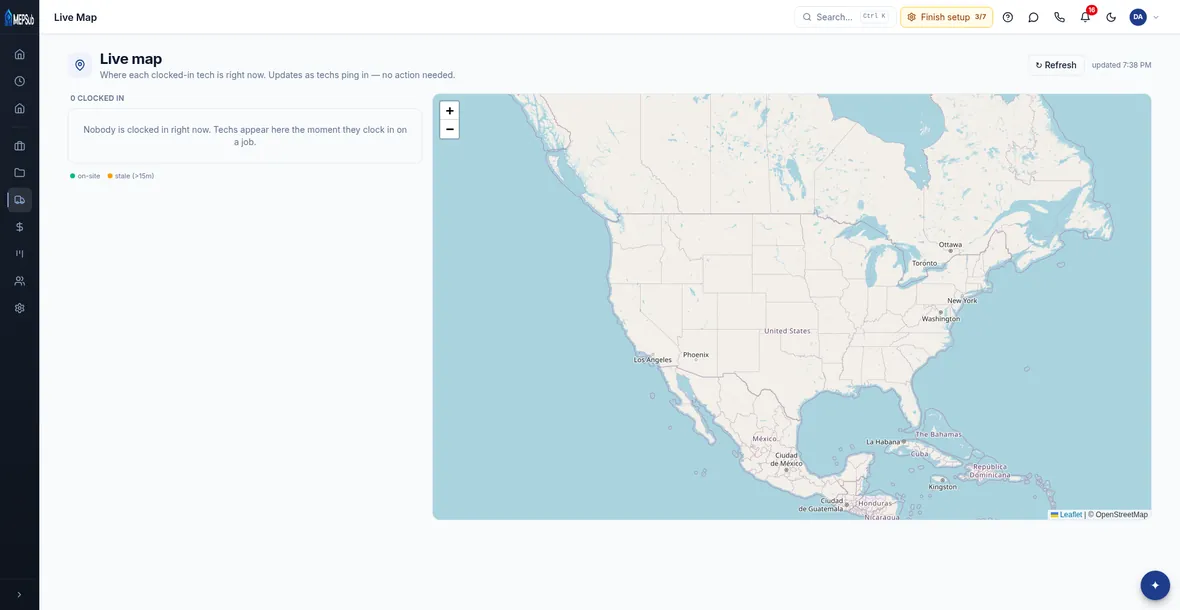
See where every tech is right now
The live map shows every clocked-in tech in real time, so you can send the closest crew to the next call and give customers an honest ETA.
- Live GPS map of clocked-in techs
- Ops Today view of the whole day
- Field Assist for techs on site
Your crews run the day from their phone
Techs open My Day, see exactly where to go and what to do, work the checklist, snap photos, and get the customer's sign-off — no paperwork, no phone calls back to the office.
- Job details, checklists and photos in one place
- On-site customer sign-off
- Money and pricing hidden from field roles
- Android app on Google Play — or any phone browser
My Day · Tue — AHU-2 PM service
Replace filters
Check belts & amps
Photos + customer sign-off
Next stopMetro Tower · 9:30a
Hours captured on site, costed automatically
Clocking in and out is tied to the job and cost code, so labor flows straight into job costing and timesheets. No end-of-week guessing about who was where.
- Clock in/out tied to jobs and cost codes
- Labor posts to job costing as it happens
- Timesheets ready for payroll
Timesheet · This week
J. Rivera — Chiller retrofit · CC-20032.5 h
Crew #4 — Rooftop swap · CC-11028.0 h
M. Osei — PM route · CC-05036.0 h
Ready for payroll96.5 h