Everything about the job on one page
Each project opens to what needs you today, with tabs for RFIs & submittals, field, assets, files and photos, and the team — so nobody digs through folders and email to find where things stand.
- A Needs attention band: overdue RFIs, submittals due, open punch items
- Tabs: RFI & Submittals, Field, Assets, Files & photos, Team
- The project directory: GC PM, owner’s rep, architect and your crew
- Everything saves as you type
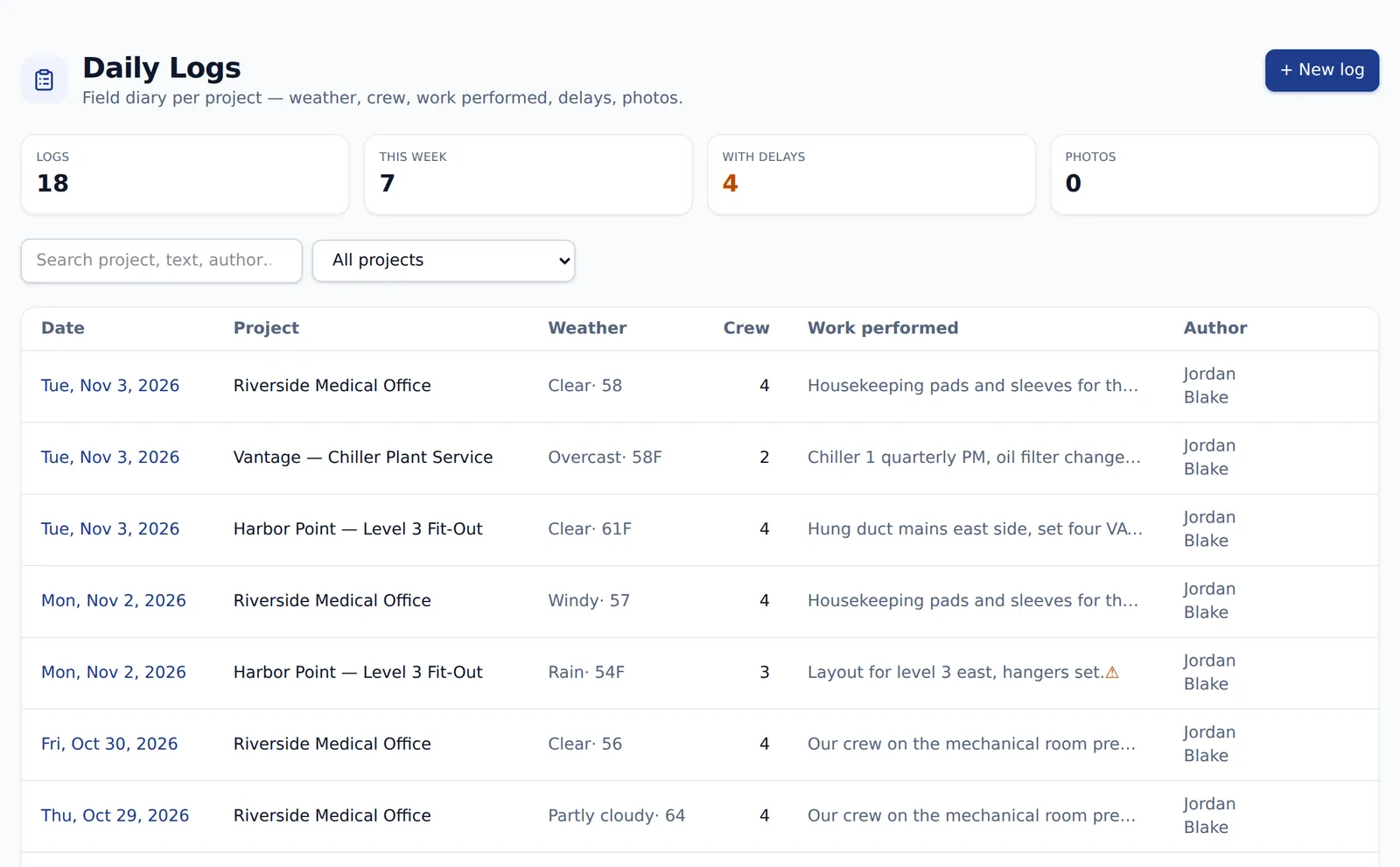
RFIs with the ball in court
Write the question with AI help, address it from the project directory and send it by email — MEPSub keeps track of whose turn it is and how long it has been waiting.
- Ball in court on every RFI
- To / Attn filled from the project directory
- AI help writing the question and the answer
- RFI PDF and send by email, with the history on the RFI
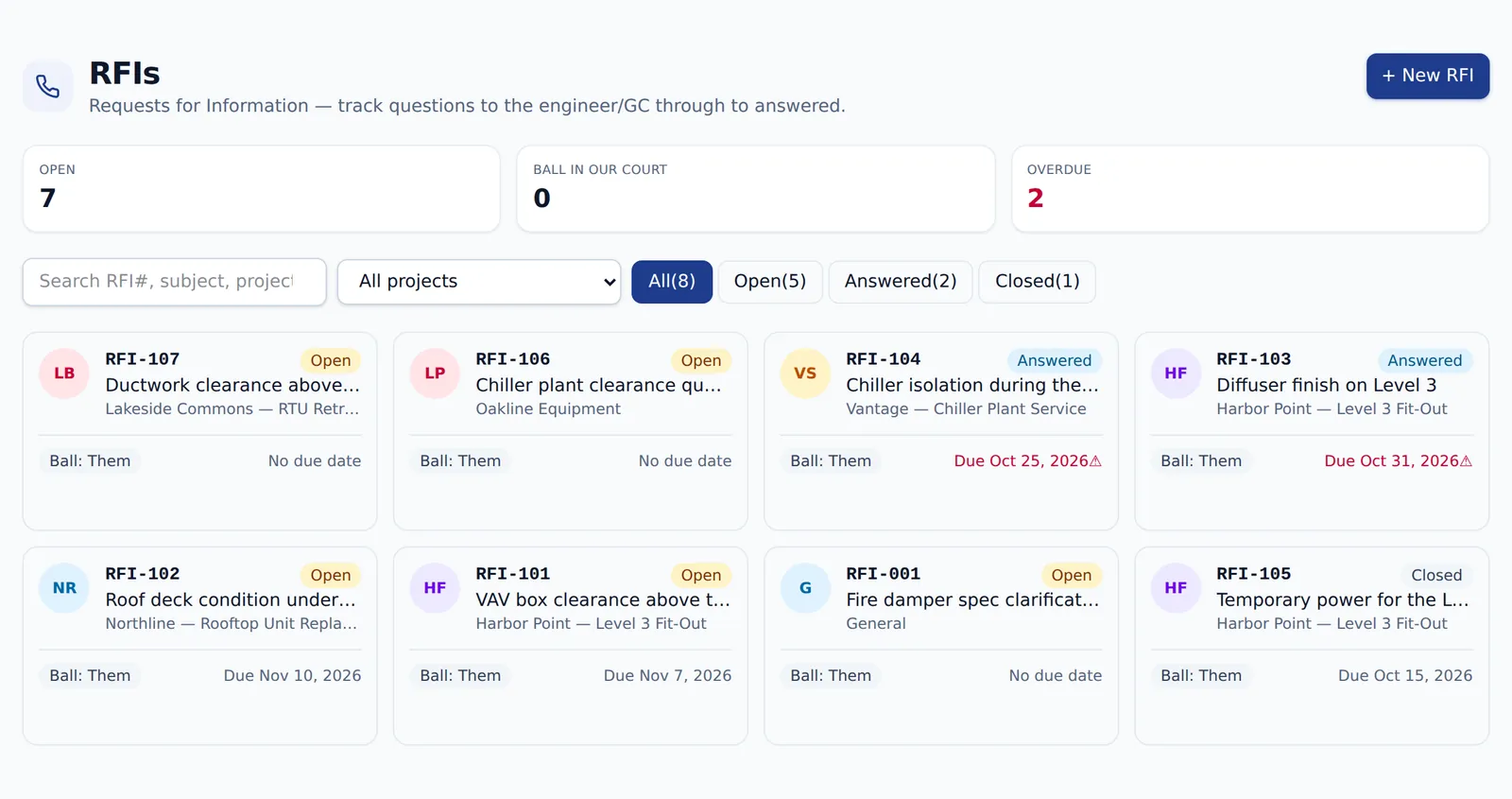
Submittals built from the spec — with the right pages
Build the register from the specs, then make each package with AI, a chat builder or a step-by-step wizard. Drop in the specs, schedules and cut sheets; MEPSub finds the equipment, copies tags and models, and lets you pick exactly which cut sheet pages go in.
- Register or Build from specs: any file, equipment found, source pages attached
- AI Create, Chat Builder or Manual wizard
- PDF, images, Word, Excel, CSV and DXF — PDFs over 100 pages read as text
- ✂ Choose pages, Find pages or ✦ AI pick pages per cut sheet; the index lists what is enclosed
- Need-by dates, lead times and revisions; packages too big to email go out as a review link
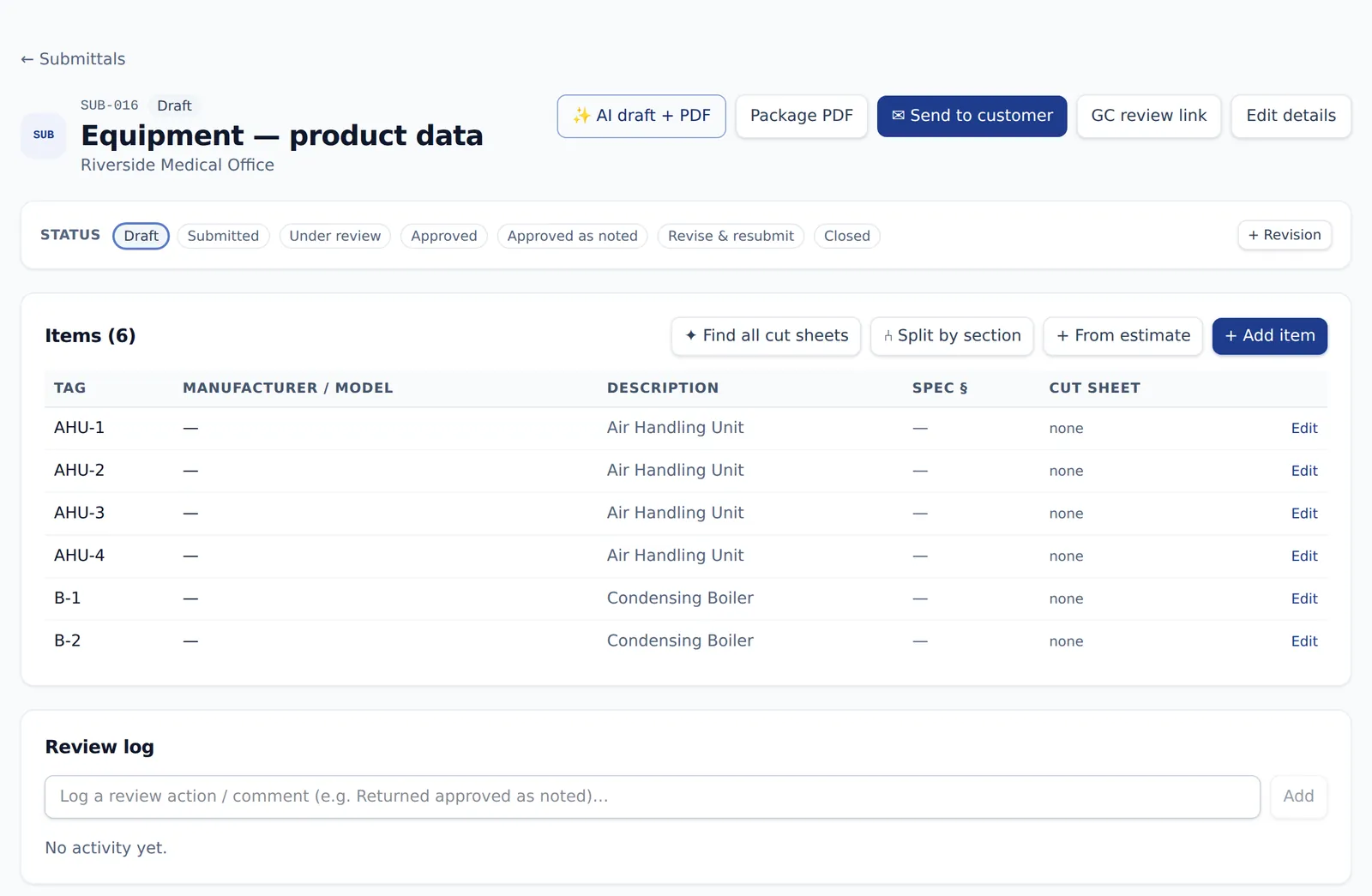
A schedule your subs and crews can follow
Build the CPM schedule, save baselines and work from the look-ahead. Each sub gets a look-ahead too — crew needed against crew promised and on site — with late-against-baseline flags before it hurts.
- CPM with baselines and crew levelling
- Look-ahead for the next weeks
- Sub look-ahead: crew needed vs promised vs on site
- Late against baseline, flagged
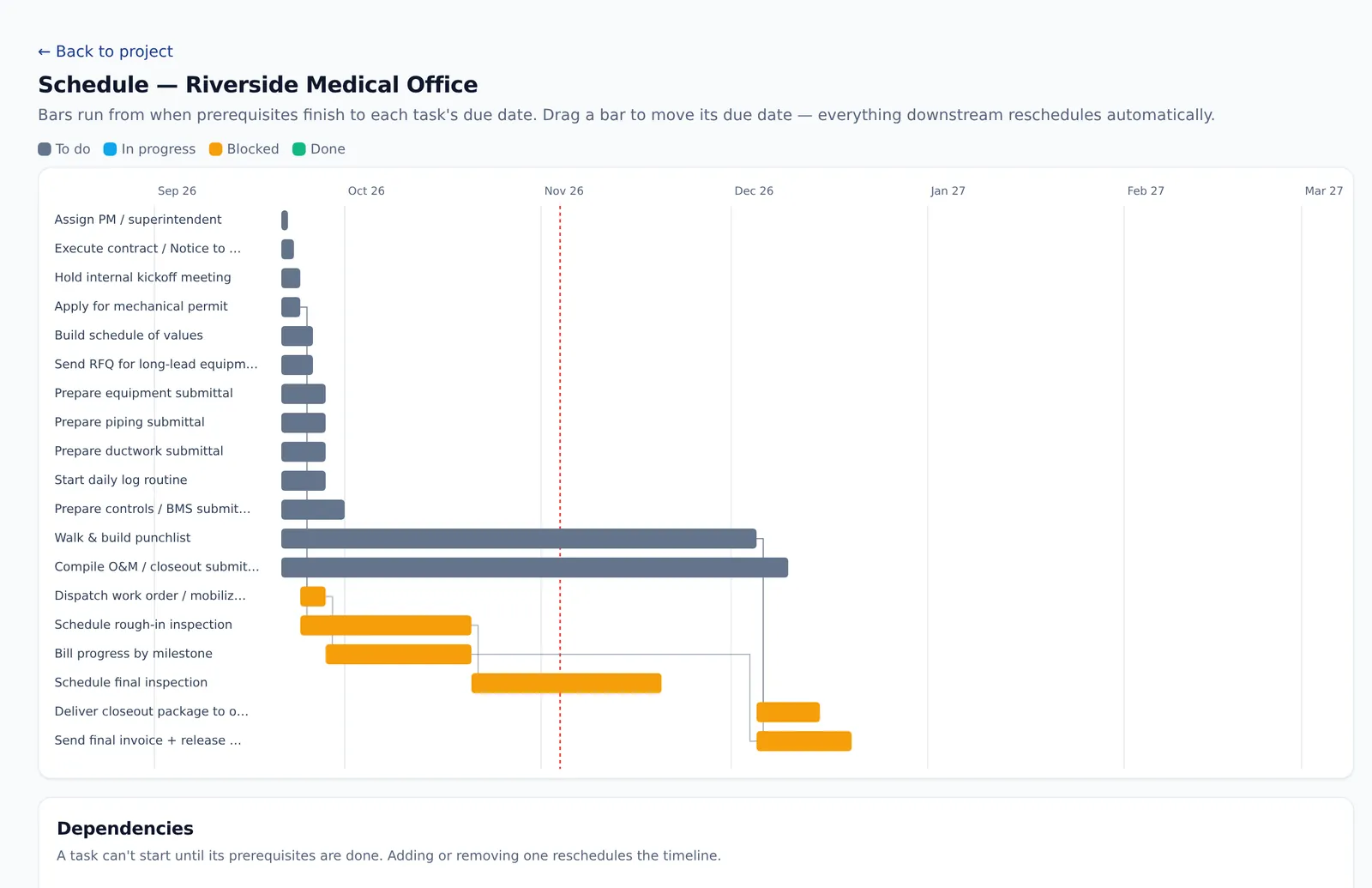
The field, written down as it happens
Daily logs with photos and a row for each sub on site, installed quantities that turn into percent complete, and the punch list, permits, inspections, meeting minutes and safety in the same project.
- Daily logs with photos and sub rows
- Production tracking: % complete and earned vs clocked hours
- Punch list, permits and inspections
- Meeting minutes with items carried forward, and safety
Change orders and pay applications that agree
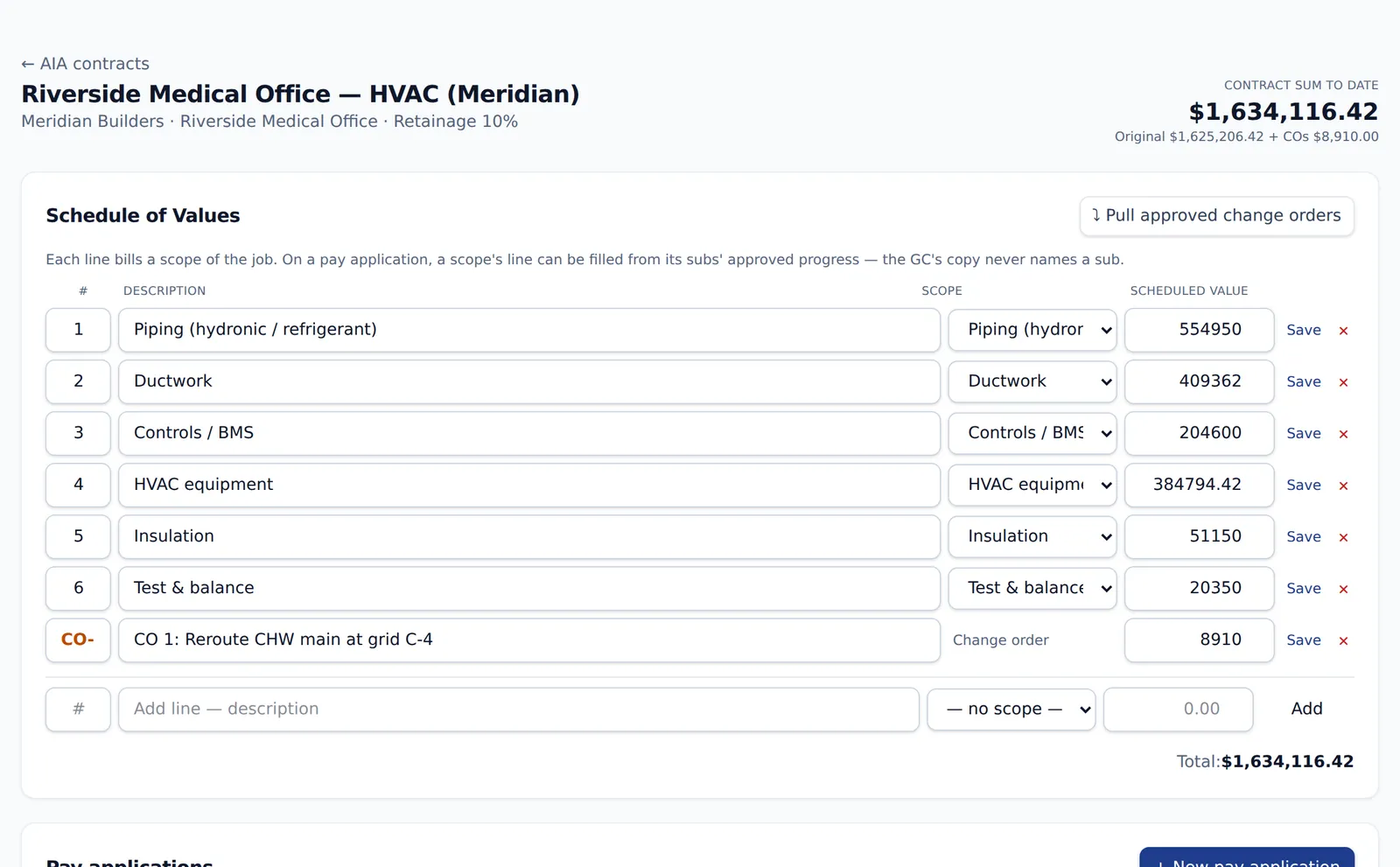
Price changes line by line, let AI write the description and have the customer sign online. Approved changes flow into the AIA G702/G703 schedule of values, and field progress suggests each line’s percentage.
- Change orders with lines, an AI description and online signing in the portal
- AIA G702/G703 with the schedule of values and approved changes
- Field progress suggests each line’s % complete
- AIA lien waivers, retainage, cost-to-complete forecast and backcharges
Closeout without the scramble — and Procore when the GC uses it
Put the closeout package together as one PDF, keep warranty reminders and a closeout checklist for each sub. When the GC runs the job in Procore, connect your own Procore login and link the project.
- Closeout package PDF, warranty reminders, a closeout checklist per sub
- Procore: see and answer RFIs, change submittal status, pull drawings, live updates
- Procore notification emails read into MEPSub
- Controls jobs: the Panel Builder submittal PDF with BOM and device and cable schedules on 36×24 sheets